
Excalidraw Mastery
Learn Obsidian + Excalidraw with confidence
Excalidraw Mastery is a dedicated membership inside the Sketch Your Mind Community.
For people who want to get real value from Obsidian Excalidraw.
You get structured guidance, practical tutorials, live support, and a focused member space.
What You Get

- Getting Started with Excalidraw
- MindMap Builder
- Monthly live Zoom Q&A sessions
- Growing tutorial library
- Member community
- Real-time member chat
Why It Matters
Excalidraw can become your visual thinking workspace.
Notes, sketches, PDFs, ideas, links, and systems can live together.
Excalidraw Mastery helps you get there faster.
Who This Is For
- Obsidian users who want to master Excalidraw
- Existing users who want better workflows
- People who prefer learning from the creator of the plugin
Included Course 1: Getting Started with Excalidraw
Total Runtime: ~2 hours 40 minutes
This foundational course helps you go from blank vault to a confident visual system.
| Lesson | Duration | Overview |
|---|---|---|
| 01: Obsidian UI Basics | 11:35 | Tabs, ribbon menu, command palette |
| 02: Links and Tags | 06:01 | Wiki-links and ghost notes |
| 03: Note & Block Embeds | 06:32 | Reuse specific paragraphs across notes |
| 04: Media & Backlinks | 11:39 | YouTube, images, relationships |
| 05: Folders & Properties | 12:05 | Metadata and attachments |
| 06: Excalidraw UI & Setup | 13:54 | Installation and UI modes |
| 07: Embedding Drawings | 07:35 | Create drawings inside notes |
| 08: Image Management | 14:45 | Layering and future-proofing assets |
| 09: PDF & File Embeds | 05:13 | Interactive readers and annotation |
| 10: Nesting & Marker Frames | 12:46 | Reusable LEGO blocks |
| 11: Link Config & Modifiers | 06:58 | Navigation behaviors |
| 12: Two-Sided Notes | 11:59 | Front visual / back markdown |
| 13: Markdown Cards | 10:24 | Bidirectional text workflows |
| 14: Automating with Scripts | 11:43 | Save time with automation |
| 15: AI Coding & Community | 11:48 | Use AI to extend workflows |
Included Course 2: MindMap Builder
Total Runtime: 4 hours 46 minutes incl. live session recordings
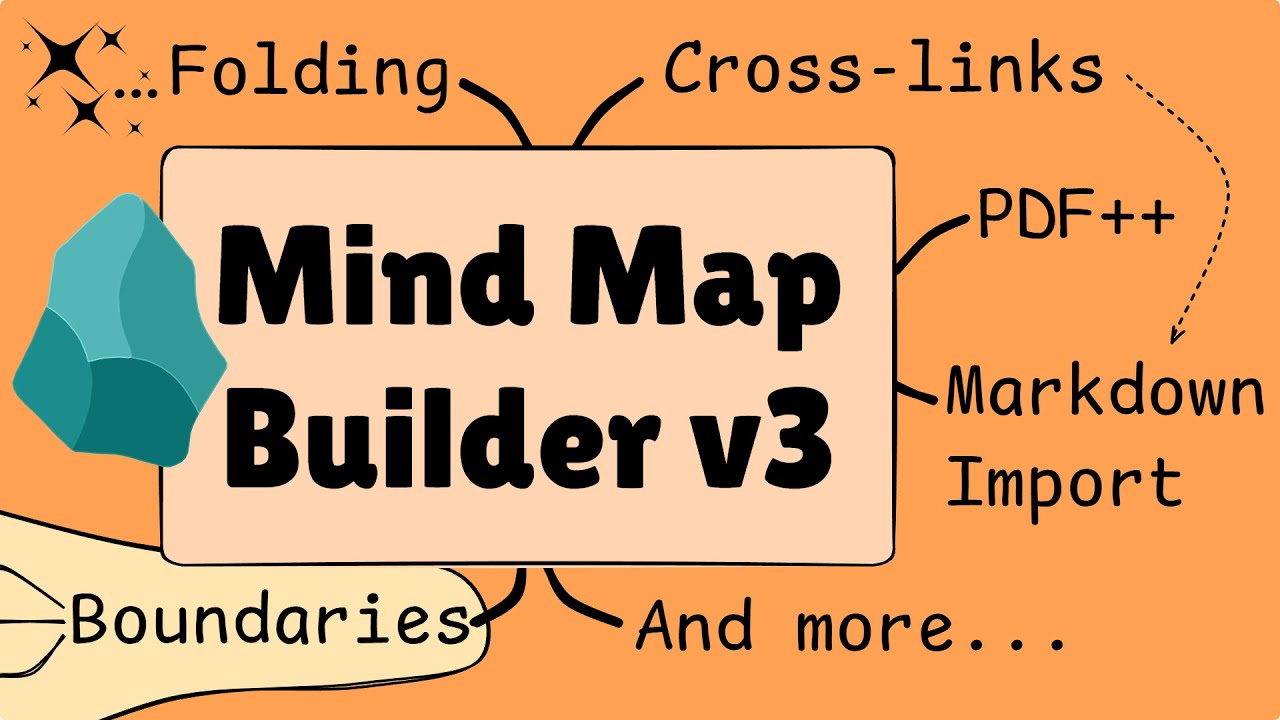
Turn Excalidraw into a keyboard-driven mind mapping system.
With MindMap Builder you can:
- Build maps using your keyboard
- Convert Markdown into visual structure
- Turn reading into connected knowledge
- Organize complex ideas with folding, grouping, and layouts
Setup & Fundamentals
- Installation — 6:46
- Getting Started — 7:48
- Layouts & Hotkeys — 23:29
Advanced Content Integration
- Embedding Content — 10:02
- PDF Annotation — 10:05
- Import Headings — 4:19
Structural & Visual Mastery
- Grouping & Icons — 18:16
- Move & Fold Nodes — 10:00
- Advanced Styling — 17:31
Output & Sharing
- Export & Share — 9:31
Updates
- v26.03.01: Submaps & Layouts — 8:30
- v26.03.08: Tasks & Export — 6:51
- v26.03.15: Embed Toggle — 3:56
Live Q&A Recordings
- Two recordings, a total of 2.5 hours.
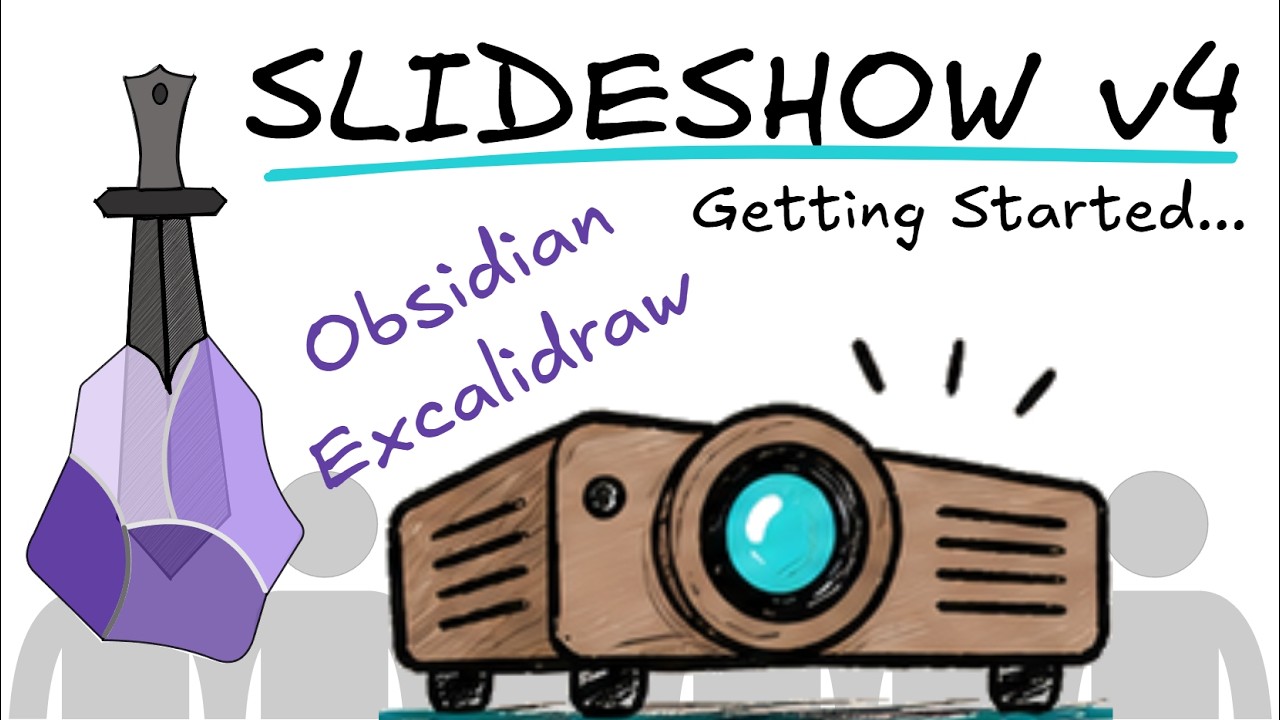
Included Course 3: Slideshow v4
Total Runtime: ~1 hour 16 minutes
Turn your visual notes, sketches, and whiteboards into interactive, high-impact presentations without leaving Obsidian.
With Slideshow v4 you can:
- Present directly inside Obsidian in windowed or full-screen mode
- Build frame-based decks with non-destructive Marker Frames or fluid line-based visual paths
- Stagger ideas with progressive reveals, fades, and camera zooms
- Run dual-monitor presentations with Markdown speaker notes using Presenter View or iPad Sidecar
- Export high-resolution, print-ready PDF decks with custom aspect ratios
Core Walkthrough & Lessons
| Lesson | Duration | Overview |
|---|---|---|
| 00: Course Guide | 02:57 | Slideshow v4 architecture and feature overview |
| 01: Your First Slideshow | 06:39 | Script installation, frame tools, and launch shortcuts |
| 02: Building Frame Presentations | 13:35 | Marker frames, slide naming, aspect ratio fitting, and hiding slides |
| 03: Building Line Presentations | 08:27 | Point-pair coordinate paths, line resequencing, and canvas hiding |
| 04: Managing Slides in the Side Panel | 07:19 | Visual slide sorter, custom aspect ratios, and floating windows |
| 05: Animations & Progressive Reveals | 05:57 | Step-by-step element reveals, delays, and animation sequencing |
| 06-07: Speaker Notes & Presenter View | 12:40 | Markdown presenter notes, teleprompter / Sidecar dual-monitor mode, laser pointer |
| 08: Converting Presentation Types | 07:23 | Switching between line and frame decks, rapid drafting workflows |
| 09: Exporting & Presentation Quality | 06:43 | PDF printing, DPI scaling, Printable Layout Wizard, Markdown images |
| 10: Power-User Workflow & Settings | 04:23 | Camera transition speeds, zoom factors, and UI auto-fade |
Part of the Bigger Picture
Excalidraw Mastery focuses on the tool.
Visual Thinking Workshop focuses on workflow.
Sketch Your Life focuses on better thinking.