Turn your thoughts into structured, visual maps—at the speed of typing.
Why this course exists
There is a gap most Obsidian users feel:
You either:
- think visually → but slow down using a mouse
- or think in text → but lose structure and overview
Mind mapping solves this.
But traditional tools break your flow.
MindMap Builder removes that friction.
It transforms Excalidraw into a keyboard-driven visual thinking engine, fully integrated into your Obsidian vault—so you can think, map, and structure ideas without switching context.
What makes this different
This is not just about creating mind maps.
It’s about building a visual thinking workflow where:
- ideas are captured instantly
- structure emerges as you think
- text and visuals remain fully connected
You are not drawing diagrams.
You are constructing knowledge in real time.
What you’ll learn
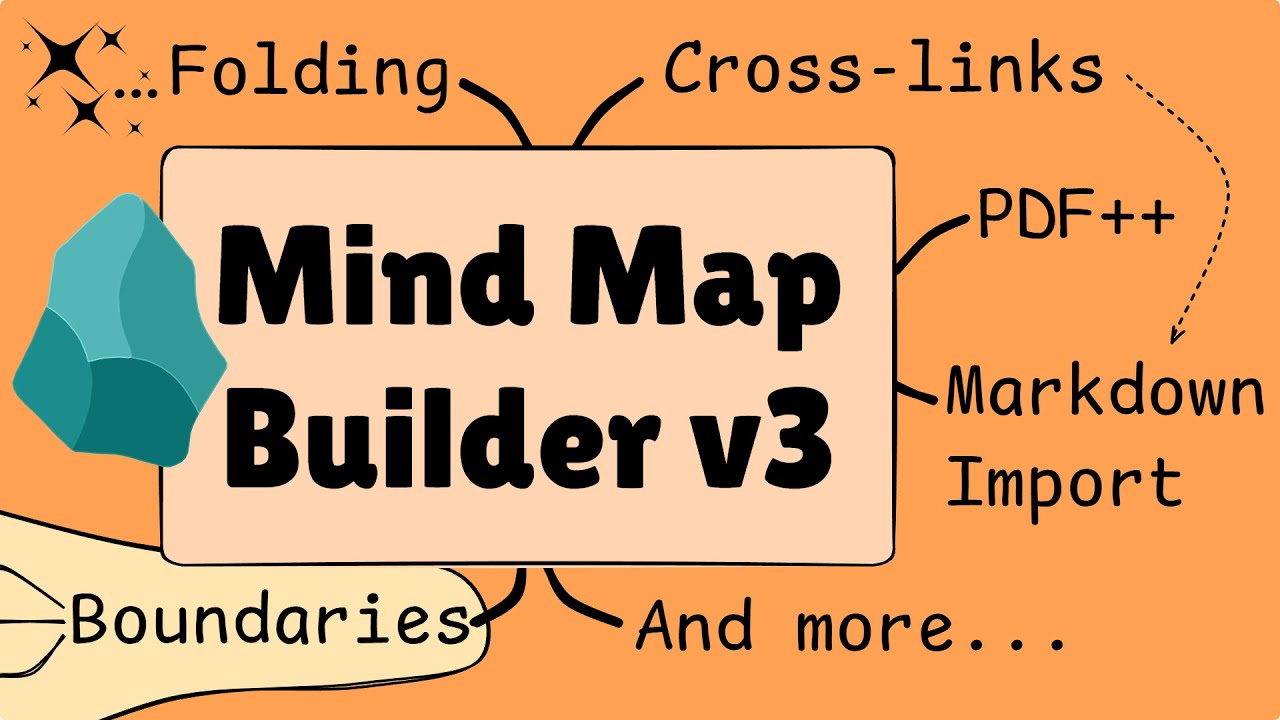
This course takes you from setup to advanced workflows, helping you organize and explore ideas faster than ever.
 Think at the speed of your keyboard
- Master hotkeys and navigation
- Build maps without breaking flow
- Capture ideas instantly
 Bridge text and visuals
- Convert Markdown outlines into mind maps
- Turn maps back into structured notes
- Move fluidly between detail and overview
 Turn reading into thinking
- Extract highlights from PDFs directly into maps
- Build knowledge while you read
- Connect sources into structured understanding
 Build structured systems
- Use folding, grouping, and auto-layout
- Organize complex ideas visually
- Evolve maps as your thinking evolves
 Go beyond text nodes
- Embed notes, videos, and web content
- Create rich, interactive canvases
- Work with ideas as living objects
What you’ll build
By the end of the course, you’ll be able to:
- Plan projects as visual maps
- Break down complex topics into structured systems
- Turn reading notes into connected knowledge
- Create maps you can navigate, expand, and reuse
This is where mind mapping becomes more than brainstorming.
It becomes your operating system for thinking.
Course structure
17 focused lessons covering:
- Setup and fundamentals
- Navigation and keyboard mastery
- Content embedding and Markdown integration
- Advanced styling and structure
- Exporting, sharing, and workflows
Plus:
- Ongoing updates
- Feature deep-dives
- Live session recordings
Who this is for
This course is for you if:
- You use Obsidian and want to think more visually
- You feel friction between brainstorming and note-taking
- You want to organize ideas without losing flow
- You like working fast, structured, and hands-on
What this is not
- Not a drawing course
- Not a generic mind mapping introduction
- Not another disconnected tool
This is a workflow upgrade.
The outcome
You stop:
- switching between tools
- wrestling with structure
- losing ideas in linear notes
You start:
- mapping ideas as you think
- structuring knowledge visually
- building systems you can navigate and evolve
Best ways to get access
You can purchase MindMap Builder as a standalone course here:
However, if you also want deeper mastery of Obsidian + Excalidraw, live sessions, tutorials, and the full member experience, MindMap Builder is included inside Excalidraw Mastery—making it the stronger overall value.
Think faster. Structure better. Build visually.