Welcome to the Excalidraw beta testing channel. This is where I will publish beta release announcements, draft release notes, and testing requests for upcoming versions of the Obsidian-Excalidraw plugin.
If you enjoy trying new features early, helping catch bugs, and shaping the direction of Excalidraw before public release, this is the place for you.
What are Beta Releases?
Excalidraw now has two release channels:
Stable Release Channel
-
Available through Obsidian Community Plugins
-
Target cadence is roughly one release per month
-
Versions typically end in
.0- Example:
2.5.0
- Example:
-
Mid-month hotfixes may use
.1- Example:
2.5.1
- Example:
Beta Release Channel
-
Available through the BRAT plugin
-
Updated more frequently
-
Used for testing upcoming features and fixes
-
Beta versions look like:
2.6.0-beta12.6.0-beta2
The diagram below explains how the release channels work:
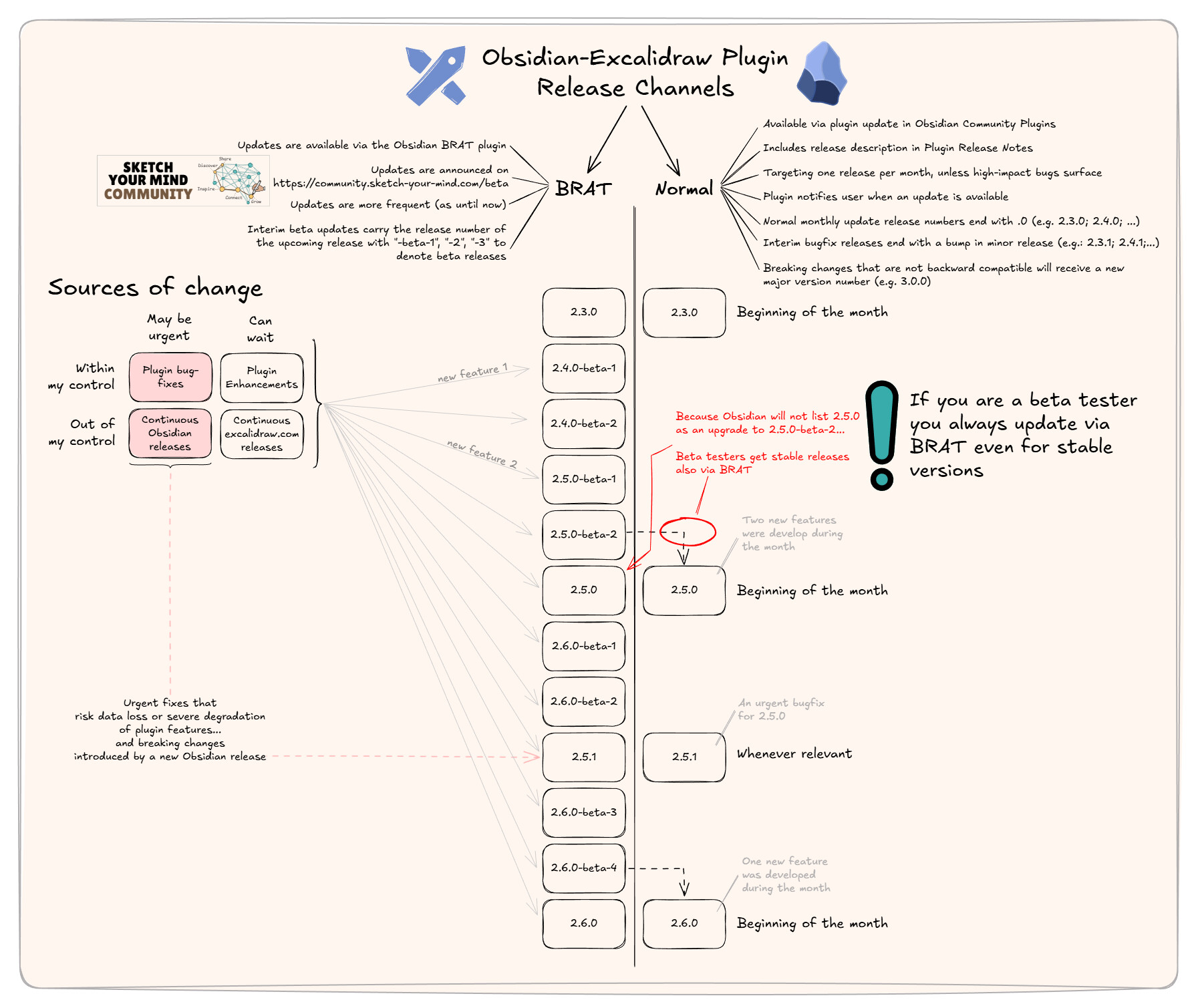
I have a YouTube video that explains this in detail. You can watch it and find the transcript here: Which Obsidian-Excalidraw release channel is the right for you?
How Beta Testing Works
Whenever I publish a beta release:
- I will create a post in this category
- I will include draft release notes
- I may ask for focused testing on specific features or fixes
If you test the release, please reply to the release thread with:
- bugs
- unexpected behavior
- compatibility issues
- workflow observations
- confirmations that something works correctly
Even short confirmations like:
“Tested on macOS, works fine”
are extremely helpful.
Installing BRAT
Excalidraw uses BRAT for publishing beta releases.
Step 1 — Install BRAT
- Open Obsidian Settings
- Go to Community Plugins
- Click Browse
- Search for BRAT
- Install and enable it
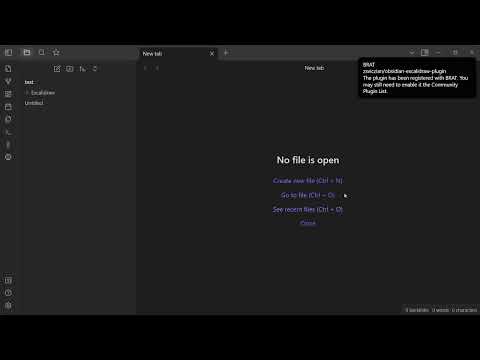
I attached a short walkthrough video showing the process.
Installing BRAT Video
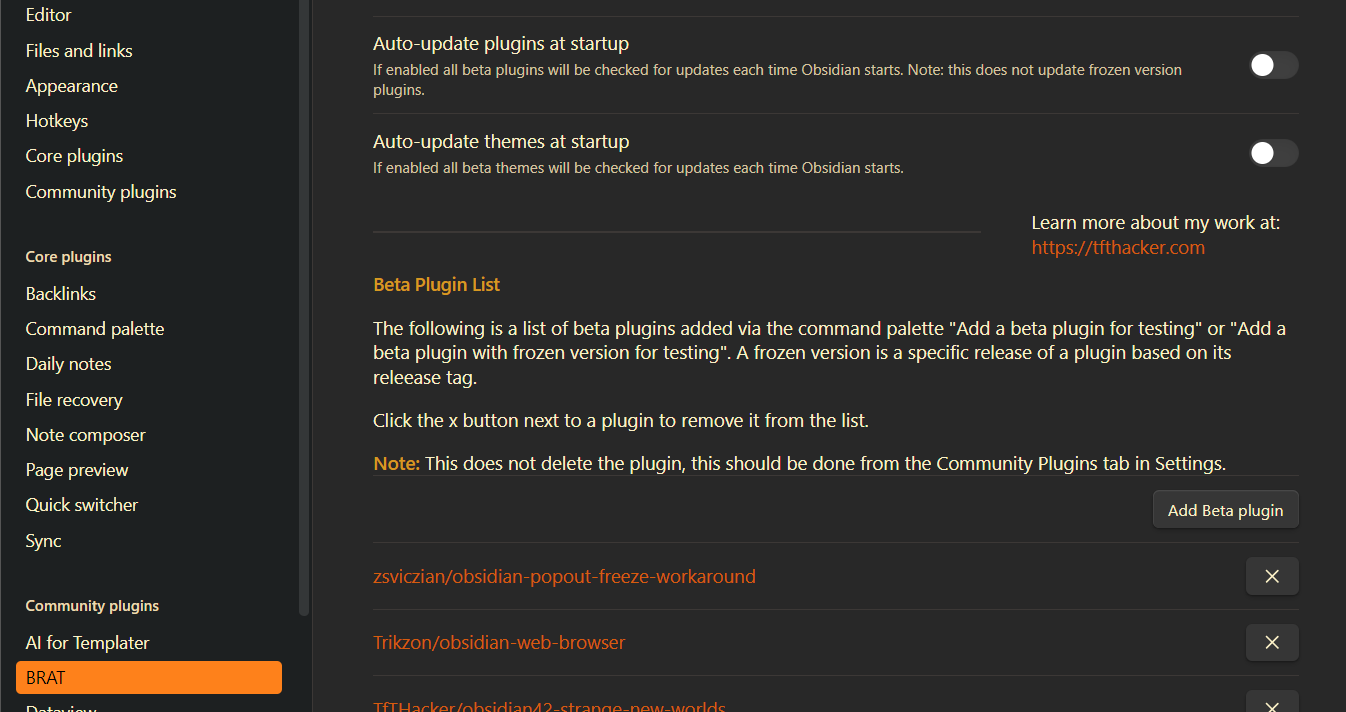
Configure Excalidraw for Beta Testing
After installing BRAT:
- Open the Excalidraw GitHub repository page
- Copy the repository URL
- Open the Command Palette in Obsidian
- Run:
BRAT: Add a beta plugin for testing - Paste the repository URL
- Click
Add Plugin
BRAT will automatically install the latest beta release.
Updating to the Latest Beta
To update Excalidraw later:
- Open Command Palette
- Type
BRAT - Select:
Choose a single plugin version to update - Select Excalidraw
BRAT will check for the newest beta release and install it.
Important Note for Beta Testers
If you are using beta releases, you should continue updating Excalidraw through BRAT, even when stable releases are published.
This is because Obsidian may not recognize:
2.6.0
as newer than:
2.6.0-beta4
BRAT handles this correctly.
Downgrading Back to Stable
If you want to leave the beta channel and return to the latest stable release:
Step 1
In BRAT:
- disable
Auto-update plugins at startup - or remove Excalidraw from the beta plugin list
Step 2
Open the Excalidraw GitHub releases page:
https://github.com/zsviczian/obsidian-excalidraw-plugin/releases
You can also access Releases directly from BRAT.
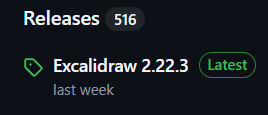
Find the release marked Latest.
Step 3
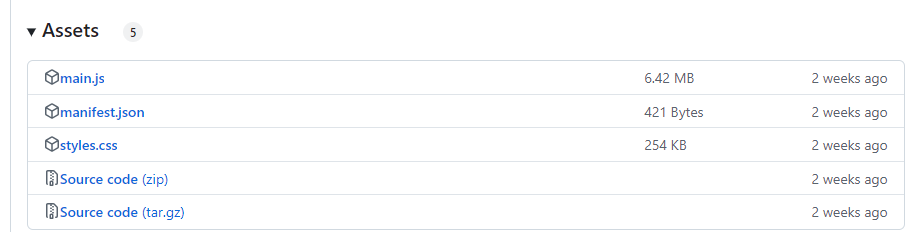
Scroll down to Assets and download:
main.js
Step 4
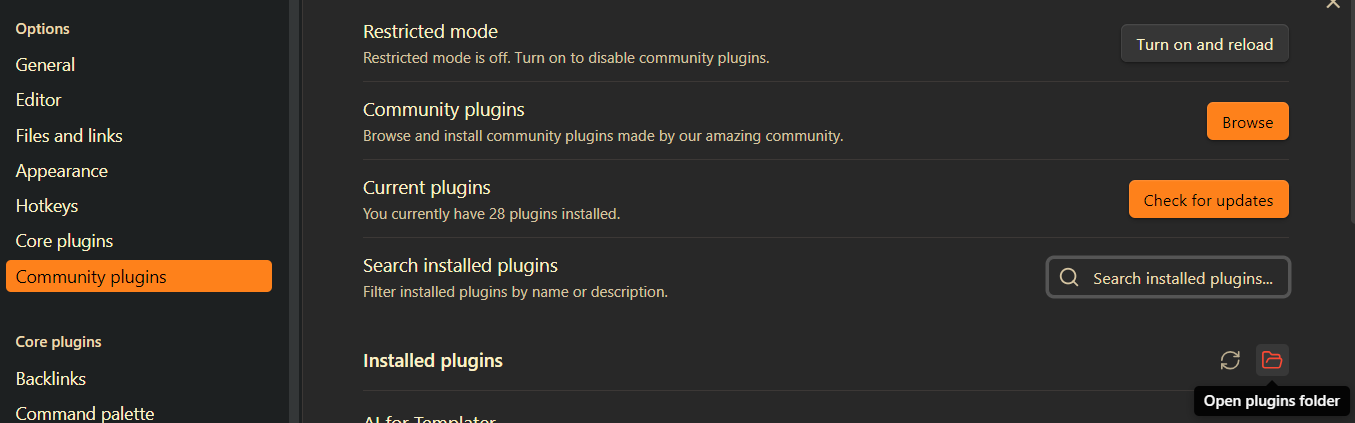
In Obsidian:
- Open Settings
- Go to Community Plugins
- Click the red folder icon (
Open this folder)
Step 5
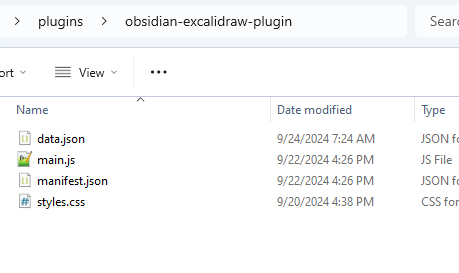
Open:
obsidian-excalidraw-plugin
Replace the existing main.js with the downloaded one.
Step 6
Restart Obsidian.
You are now back on the stable release channel.
Thank you to everyone helping test Excalidraw. Your feedback genuinely shapes the plugin and helps make releases more stable for the wider community.