Here’s a quick video about two new & super exciting scripts.
- A one-click icon library that requires zero coding skills
- @iwan’s amazing comic strip director script!
Enjoy!
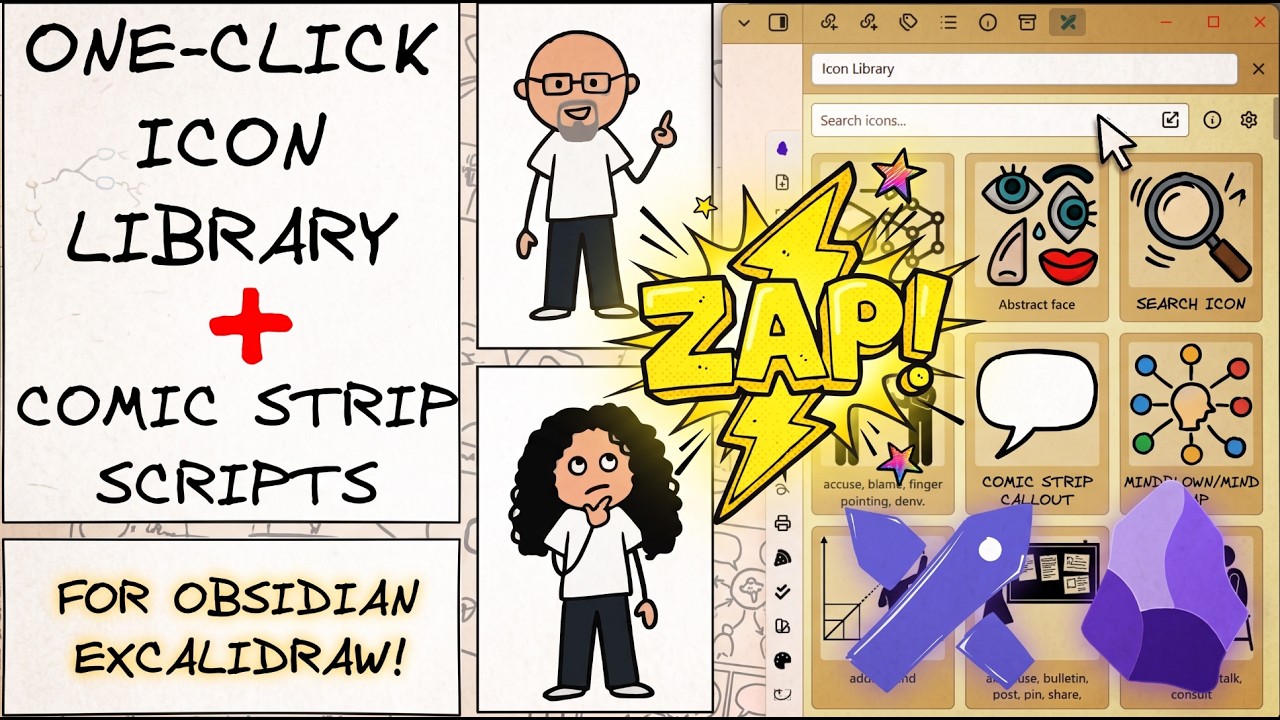
Here’s a quick video about two new & super exciting scripts.
Enjoy!
I really think this is a great gift to the Excalidraw family, @Zsolt ! Thanks!
Again I am deeply amazed about what you have succeeded with this plugin. A deep, deep bow! 
Also nice work @iwan ! 
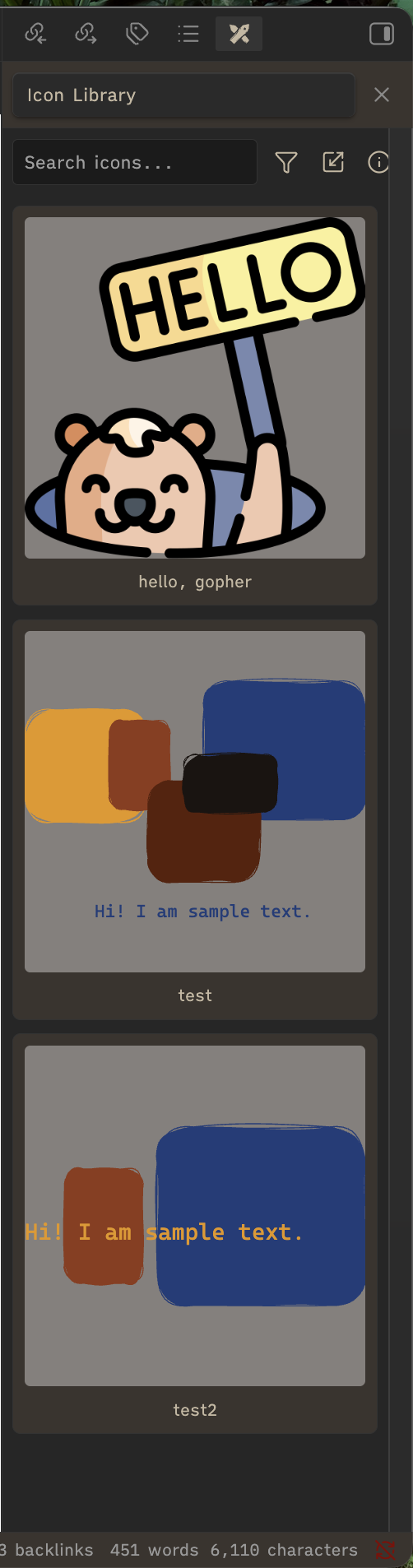
I didn’t realise that was exactly what I needed until I saw it. Brilliant. The graphics library right where you need it. 
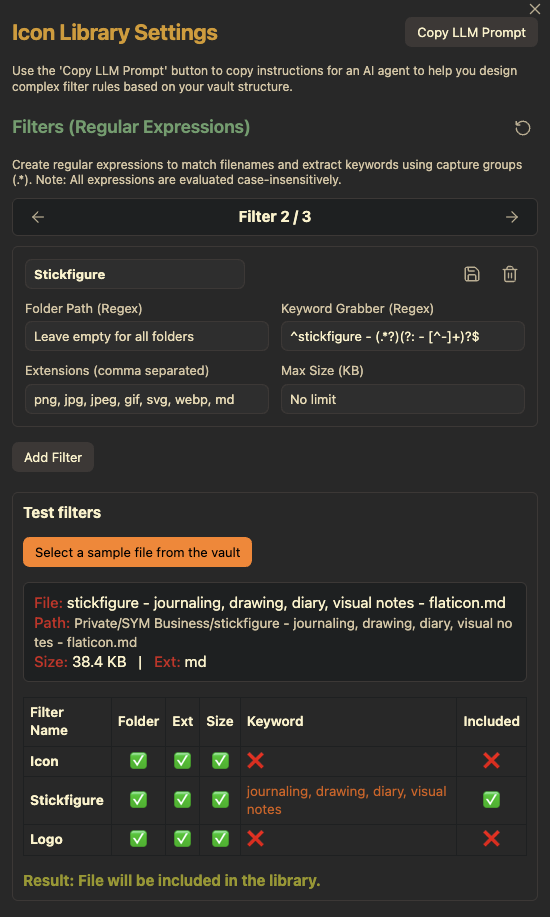
Now I just need to find out where I can set the search criteria for the graphics. Filtering works.
But where is the setting for searching for objects in the Vault?
Click the cog at the top
Yes, there i can Filter, but a big part of my Grafik is in the Form „2026-07-08_Example.jpg“ .
My naming Convention is wrong 
The regular expression in the filter can accommodate many different naming approaches. Also I am adding folder filter to further help with the setup.
If you add (.*) as your filter, it will grab all the images in your vault. If you want only those with a date you could write \d{4}-\d{2}-\d{2}_(.*) this will grab all your files that start with yyyy-mm-dd_.
If you give chat gpt a few sample file names it will help you figure out the right filter term.
I’ve updated the script improving filter settings.
you update faster than my searches 
I’m checking out the icon library. Created some test files and this script is great! Problem is none of my files follow the default naming convention and I’m not seeing a cog to access settings. Just an info button. Bug? Am I missing something? Thanks for the help.
Seems like a styling issue of the script. Can you make the side panel wider?
@uchuva, if you update the script buttons will all display even if sidebar is narrow.
Wow! This gives me quick, visual access to my image library and saves me from having to manage it manually. Thank you!!
Yep, I made the panel wider and the cog is now here. I prefer a narrow sidebar. How do I update the script buttons?
Just open the script library (the same way you installed the script originally). There should be an update button.
The cog appears with narrow sidebar now, thanks!
Hi Zsolt,
Case: I want to use following stencil and many other like this that contain both Excalidraw elements and math (Latex) elements. After applying it in a circuit diagram, I also want to edit resistance value as required. The resistance value is written in Latex mode.

Feature desired: editablility of stencil library + support for Latex equations + Easily accessible engineering elements of icon library.
Is there a solution or up-coming solution to make faster diagram creation?
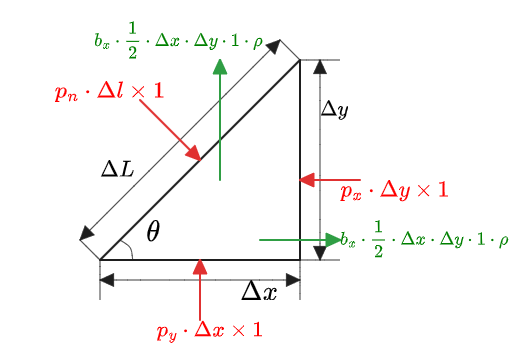
Other features can be adding dimension in engineering drawings as shown in following free body diagram.
It will enable many to make fast diagrams, while attending a lecture.
I do not plan to build similar features myself, however, I think the requirement is very practical and real. Maybe this could be a good additional input to an ExcaliMath side panel script. FYI: @TravisLEBLANC - would love to hear what you think.
As an alternative, I could imagine something similar to @iwan’s  Comicbook Strip Director but for electronics modeling. Would be fairly easy to generate a base set of components and add the feature to manage properties of these elements using a side panel, maybe called Excalitronic. Would be happy to see your contribution as a script. It is easier to build a script than you’d think. For more see: Excaliraw-Automate AI Skill