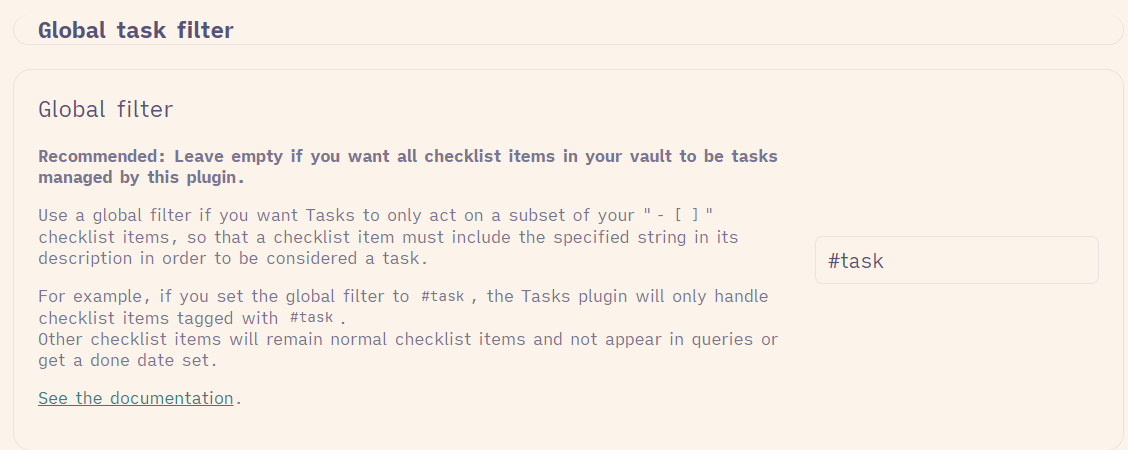
at first I thought I came across a bug. However, assuming my understanding of what is going on under the hood is correct, it’s probably more of a feature request.
Base case – no problem here:
You use Excalidraw and the Tasks plugin in parallel, both with default settings. You create a file containing two tasks like so:
- [ ] test1
- [ ] test2
You embed this file into an Excalidraw drawing and when you interact with the embed, you have clickable checkboxes for both tasks. Absolutely fine.
My case:
I do not use the Tasks plugin as shipped but with a global filter (see option below). This way, I can clearly mark my tasks with a certain tag while still using standard checkboxes for other things I do not want to have tracked by the Tasks plugin (habits, items on grocery lists etc.)
Thus, having a “real” task and another (non-Tasks-plugin-tracked) checkbox in a list may look like this:
- [ ] #task test1
- [ ] test2
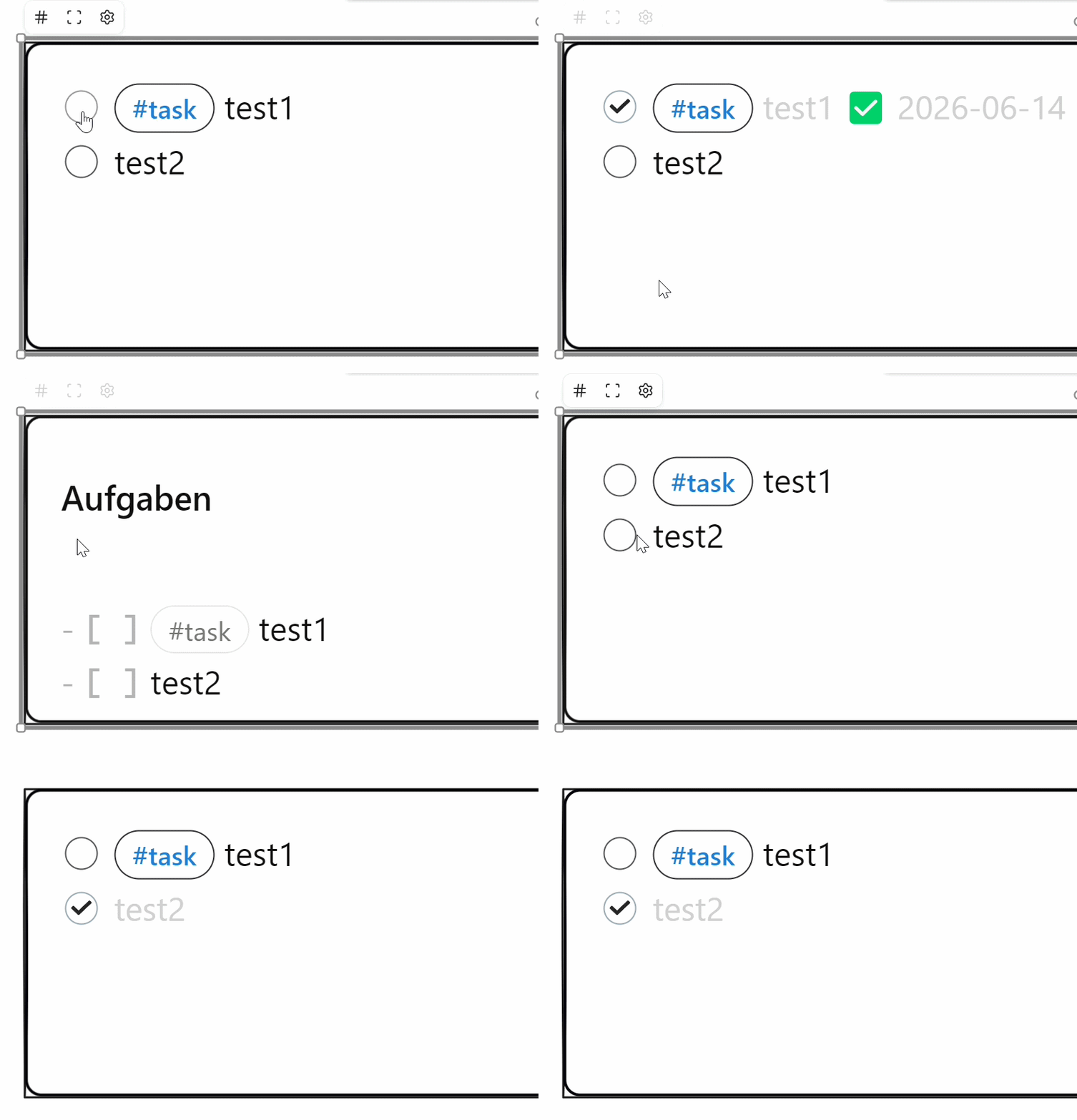
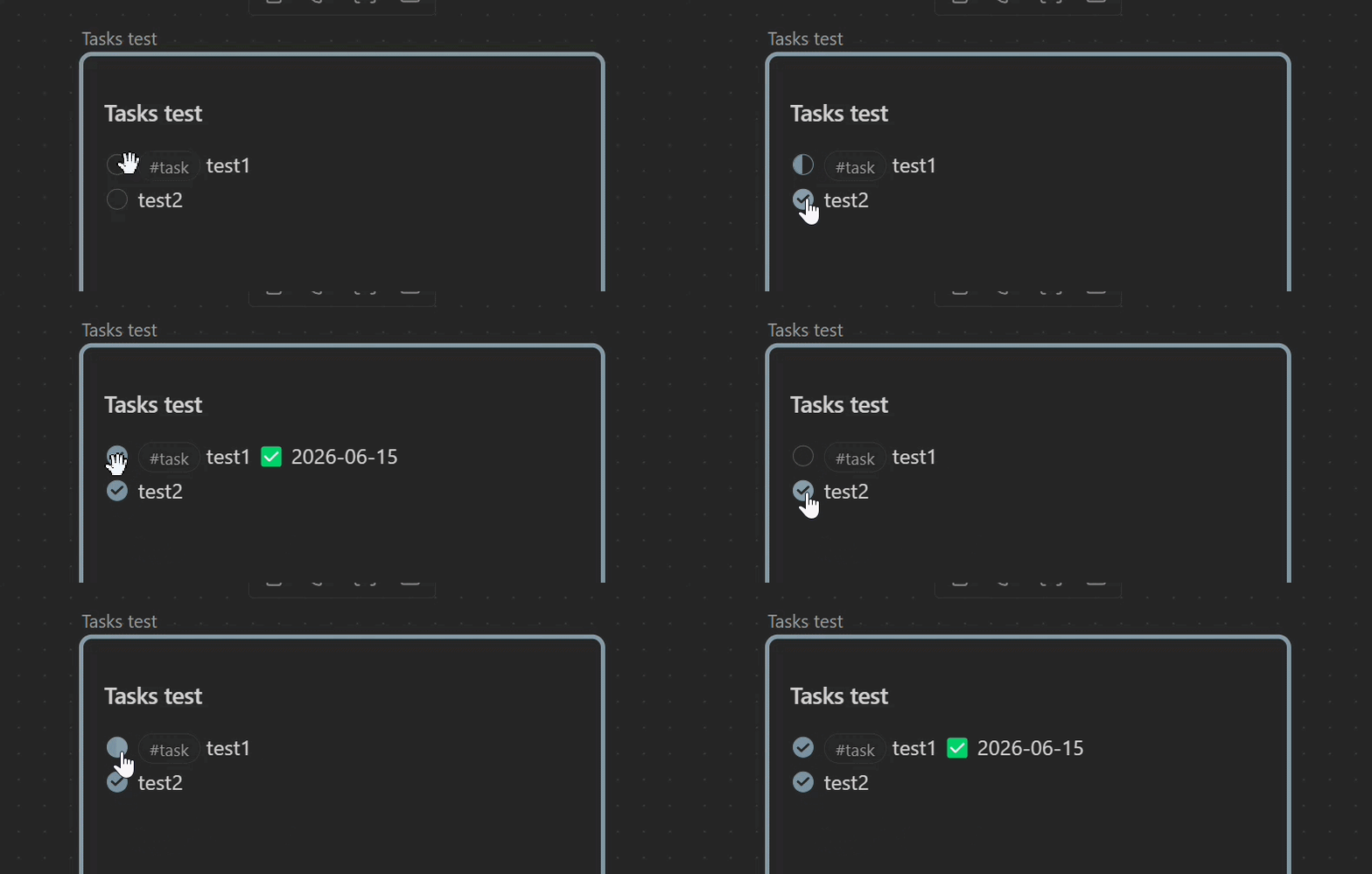
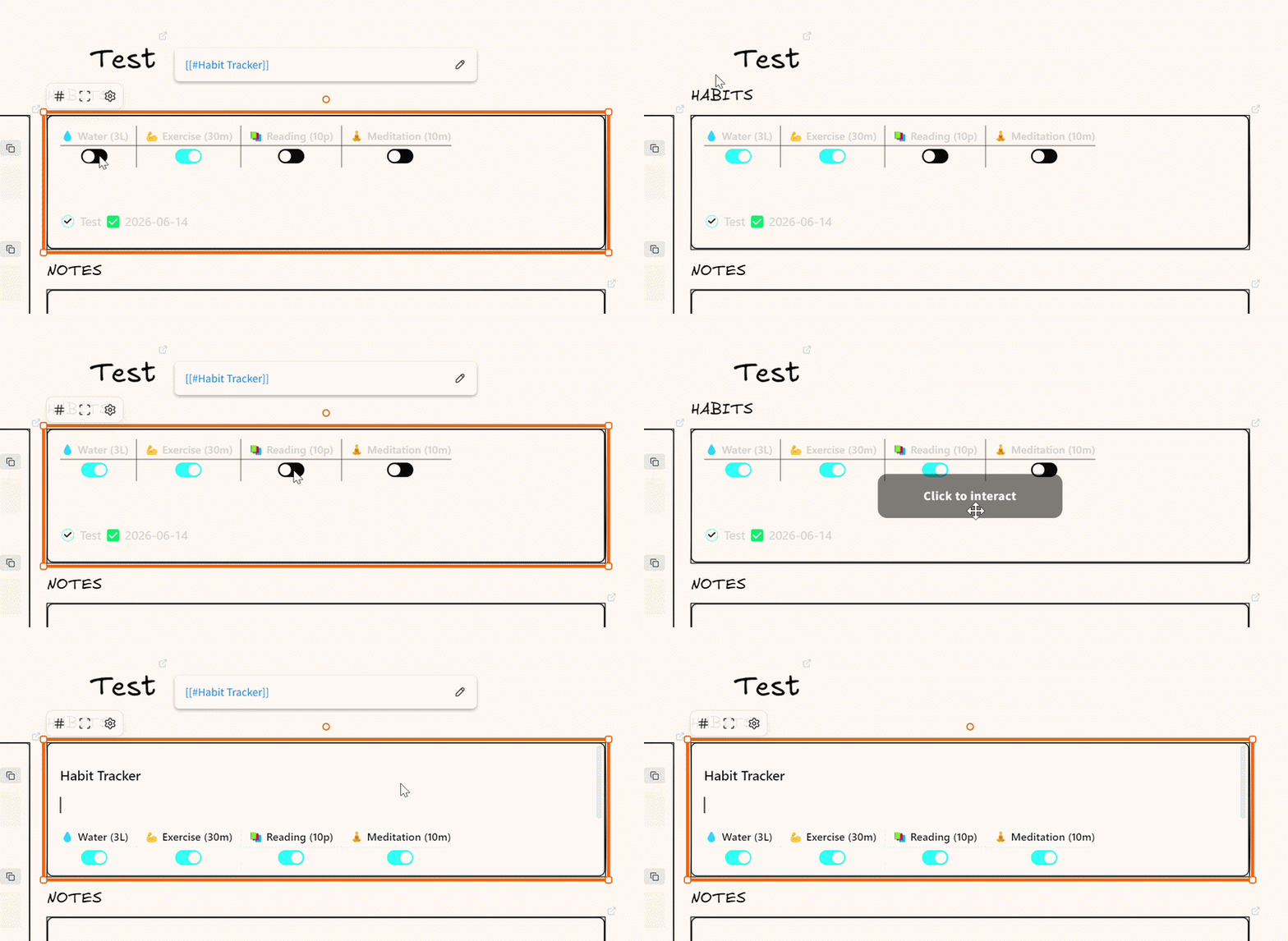
Now, this creates an issue in embeds. While tasks WITH task filter (test1) are correctly recognized and have clickable checkboxes, entries WITHOUT task filter behave differently, i.e. the embed always jumps into edit mode when the checkbox is clicked and its status change is not reliably reflected. I hope the gif below demonstrates this sufficiently.
Obviously, reworking my task logic throughout the entire vault is a hassle. Therefore, it would be great if all checkboxes would behave similarly at some point in the future – especially since I only stumbled upon this while trying to implement a visual-first daily note workflow
Based on some testing I think the issue is different. It is not a problem of
This works:
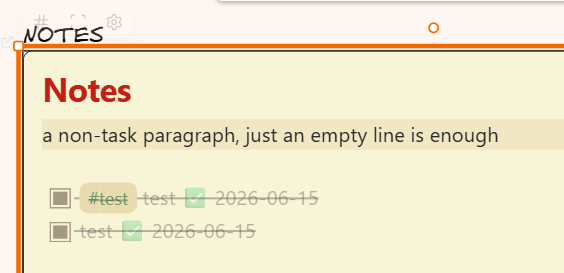
- [ ] #test test
and this does not:
- [ ] test
Both work when they are done in isolation. The issue is rather the sequence of doing them one after the other. It seems like an element lifecycle issue. When you click the embeddable, then the embeddable elements status also changes.
Will experiment with this a little to figure out what might be going on.
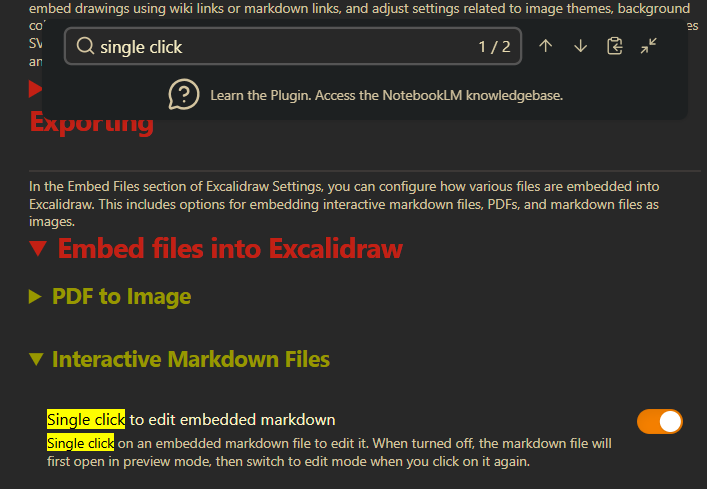
I cannot reproduce this just now. Actually, with the single-click option active, I always enter edit mode, no matter what I do. I will play around a bit more in order to understand better what is going on.
EDIT: I can definitely not reproduce. “Single-click to edit” directly throws me into edit mode – I guess this is also the expected behavior. As long as the option is turned off, I can check “real” tasks in preview mode, all other checkboxes trigger the editing mode.
A halfway decent workaround is to use Live Preview as editing mode instead of Source. However, as far as I can see, this only works via switching to Live Preview globally (not exactly what I intend to do). Would it be an option to introduce an Excalidraw-specific setting that allows overriding the global editing mode for embeds?
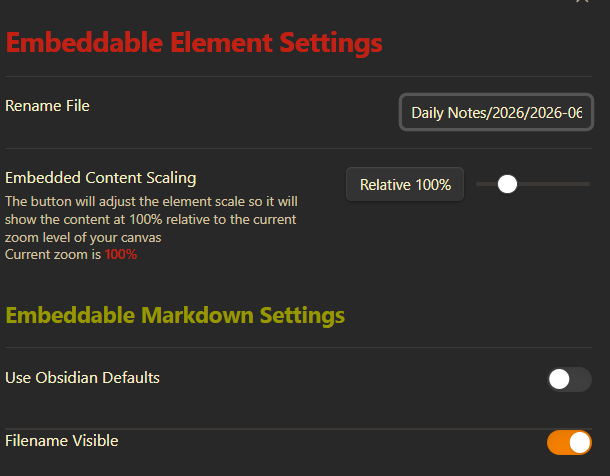
thanks for looking into it. However, showing the file name does not seem to change the behavior when interacting with checkboxes or Meta Bind toggles in (pre)view mode – I always enter edit mode, just as before.
Anyway, I could imagine an additional embed-specific option “prevent entering edit mode” that could be used as a condition in the handleClick event – not sure if this would cause other issues, though.
Just in case you want to consider it in the future.