This release comes with many backend refactoring from Excalidraw.com and some truly exciting new features.
First the “bad news”. Due to the heavy refactoring, the release carries a considerable risk of having broken features. The refactoring targeted the toolbar in phone, tablet, desktop and tray modes. Things, including how the image tool or the more tool menu works might be broken.
Settings such as miro mode, displaying the crosshair in pen mode, double tap eraser, etc. may also have regressions. I did targeted testing of key changes on different devices, but that can never be complete.
This change carries a breaking changes as well.
I’ve already contacted @iwan to updated the Comic Strip Director script, which will not work with 2.26.0-beta.0.
You’ll need to update MindMap Builder as well, otherwise it will break when focusing and zooming on elements
New: Flowcharts (Ctrl/Cmd + arrow keys) now intelligently route new shapes to avoid overlapping child nodes. #11532
New Draw to Shape feature: Draw a shape freehand, and Excalidraw will automatically convert it into a perfect shape. #9313
Fixed: Dragged arrow endpoints now respect grid and angle locks. #10972
New: Double-click an arrow endpoint to toggle the arrowhead. #11615
ExcalidrawAutomate Breaking Change
The Excalidraw component API has removed api.scrollToContent(target?, opts?) and replaced it with api.setViewport(opts | null). You’ll need to update the MindMap Builder and Comic Strip Director scripts. If you have custom scripts using this API, you’ll need to update them as well. For more information, see the Excalidraw CHANGELOG.
I made a small deployment error. If you installed 2.26.0-beta.0 in the first 2 hours after release, you will need to downgrade and upgrade to the beta again using BRAT for the release to arrive on your device.
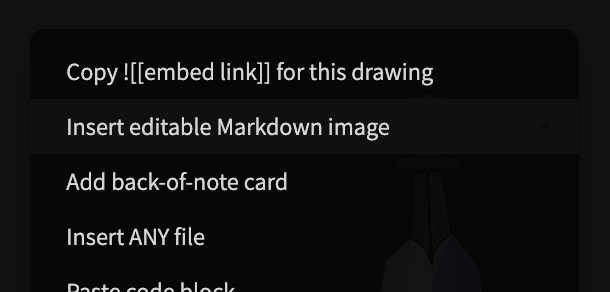
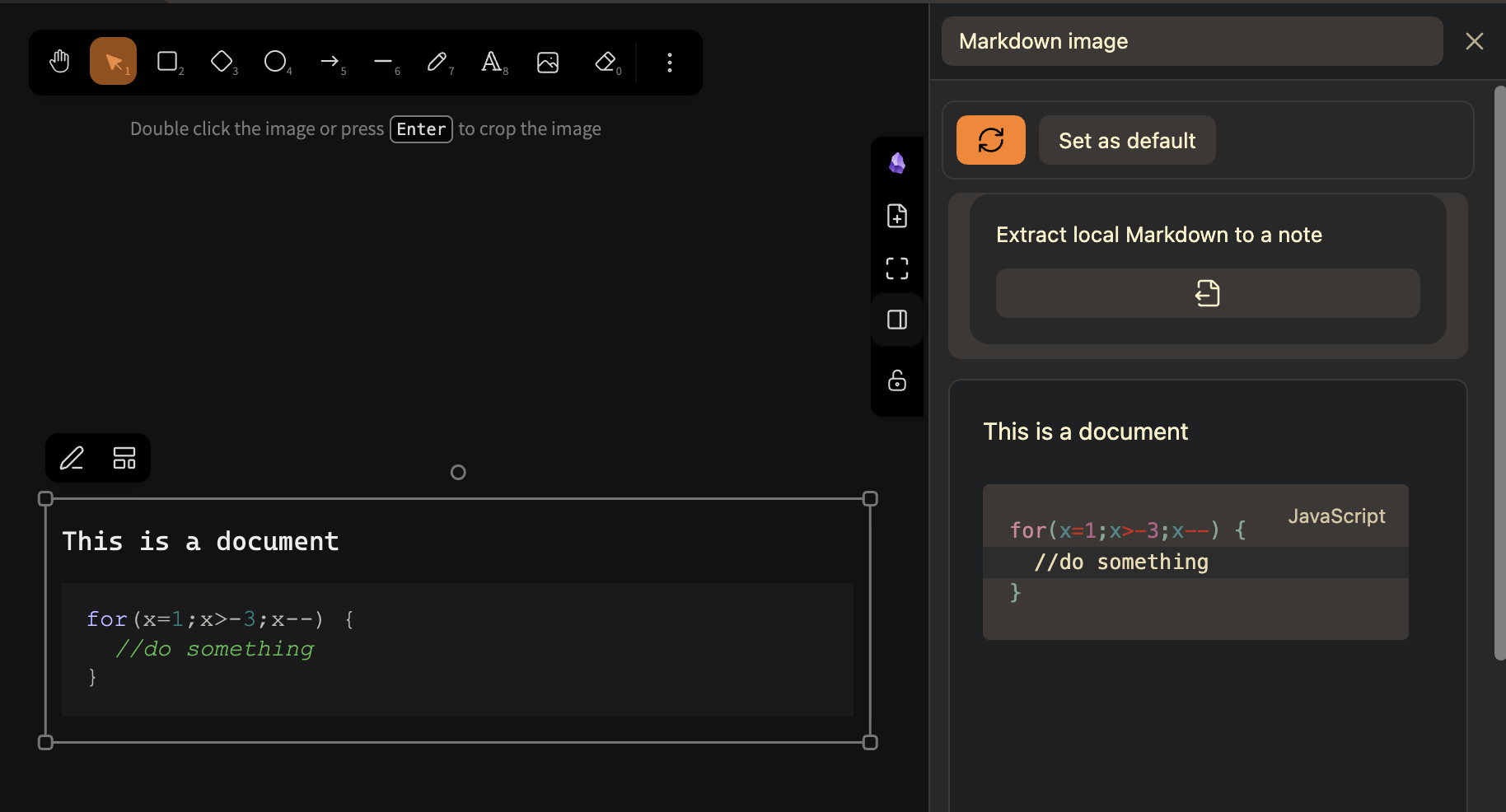
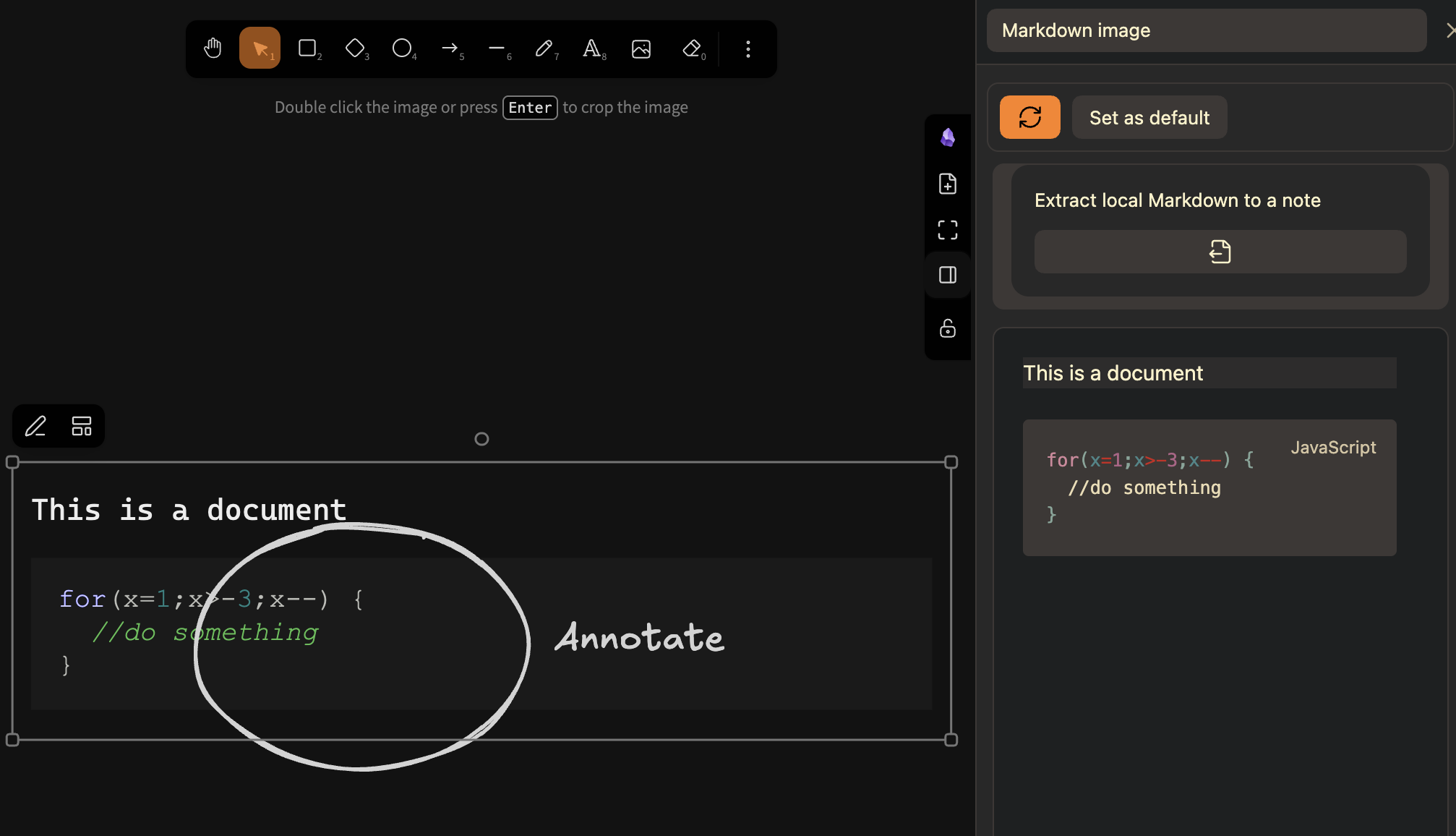
Added editable Markdown images. Their source can be stored locally as back-of-the-card markdown content in the drawing or linked to an external Markdown note, heading, or block. Edit content and appearance in the Excalidraw sidepanel or use the action menu on a selected Markdown image; Markdown images participate in normal canvas layering and image export. You can convert interactive embeddables into images and back in the embeddale/image menu in the top left of the selected element.
I tried the Markdown image element and love this design. Using fenced syntax to persist data achieves solid performance.
In my earlier attempts, I embedded SVGs with ![[]] on the canvas for real-time interactive Markdown rendering, yet it created a huge number of SVG files.
You can check the problems I found in testing here:
Thanks for the feedback. I am so glad you find the new feature useful. I also think it has real potential.
I looked at the issue you reference, but I see no examples of problems, just a link to any-block which could be added later, but that requires a harder look. Right now I only had time for a glance.
Probably a misunderstanding from translation. What I meant was: I previously tried rendering Markdown elements on the canvas. My idea back then was to first render Markdown syntax into SVG, then embed the SVG onto the canvas.
Your current implementation of this feature avoids that issue.
Fixed a new batch of Obsidian code scanner findings. Nowadays, Obsidian always has a beautiful bouquet of fresh new codescanner errors and warnings waiting for me when I do a release. I spent most of today chasing code scanner issues. Hopefully, I managed to both feed the beast and avoid adding new bugs to the plugin.
The Markdown Image Editor now responds to regular hotkeys like CMD+B to bold text, etc.
The Markdown feature is pretty nice, and can really change the way to work with embeddable files. One thing I am trying to figure out is, if my setup is working incorrectly or if the design itself does not allow to open the two-sided notes (.md + Excalidraw) as Editable Markdown image?
Small QoL improvement, folder selection in Excalidraw settings will now offer a folder/file name suggester. If the folder set does not exist, a “Create Folder” button is also displayed.
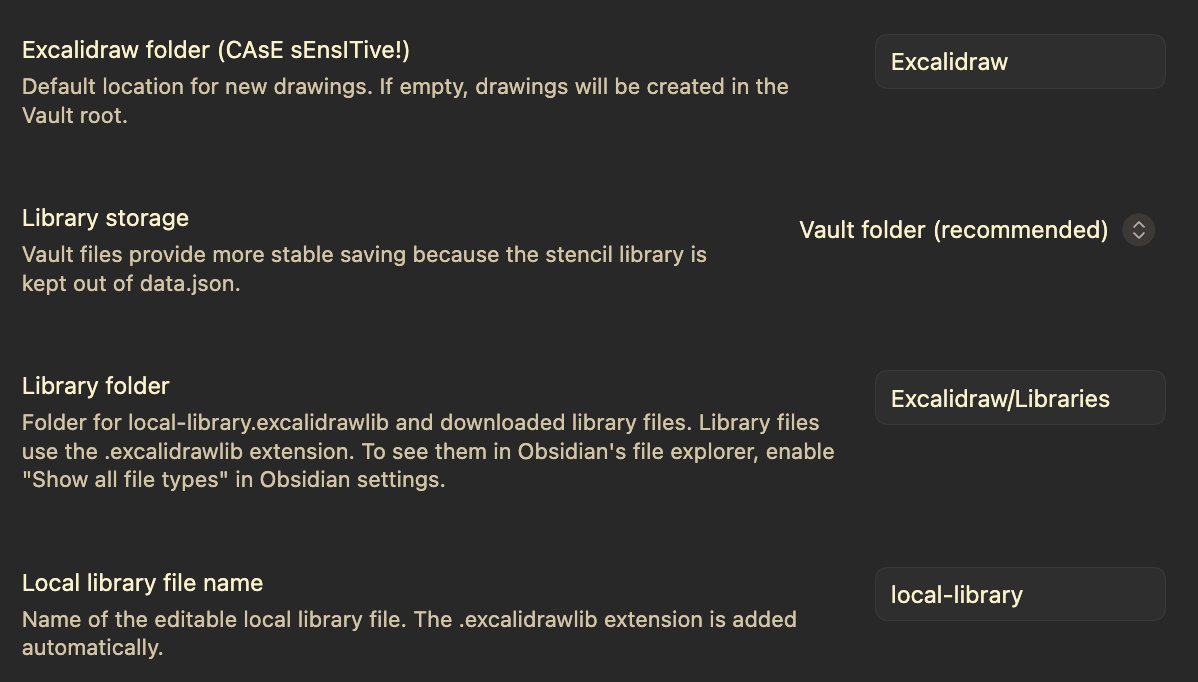
New feature for stencil library management. I have finally come around to moving the stencil library out of the plugin settings file and into dedicated library files. Now you can install stencil libraries by simply copying the downloaded stencil library file from https://libraries.excalidraw.com/ and pasting it to the Stencil Library folder. This comes with a migration prompt and a new settings section under “Basic”.
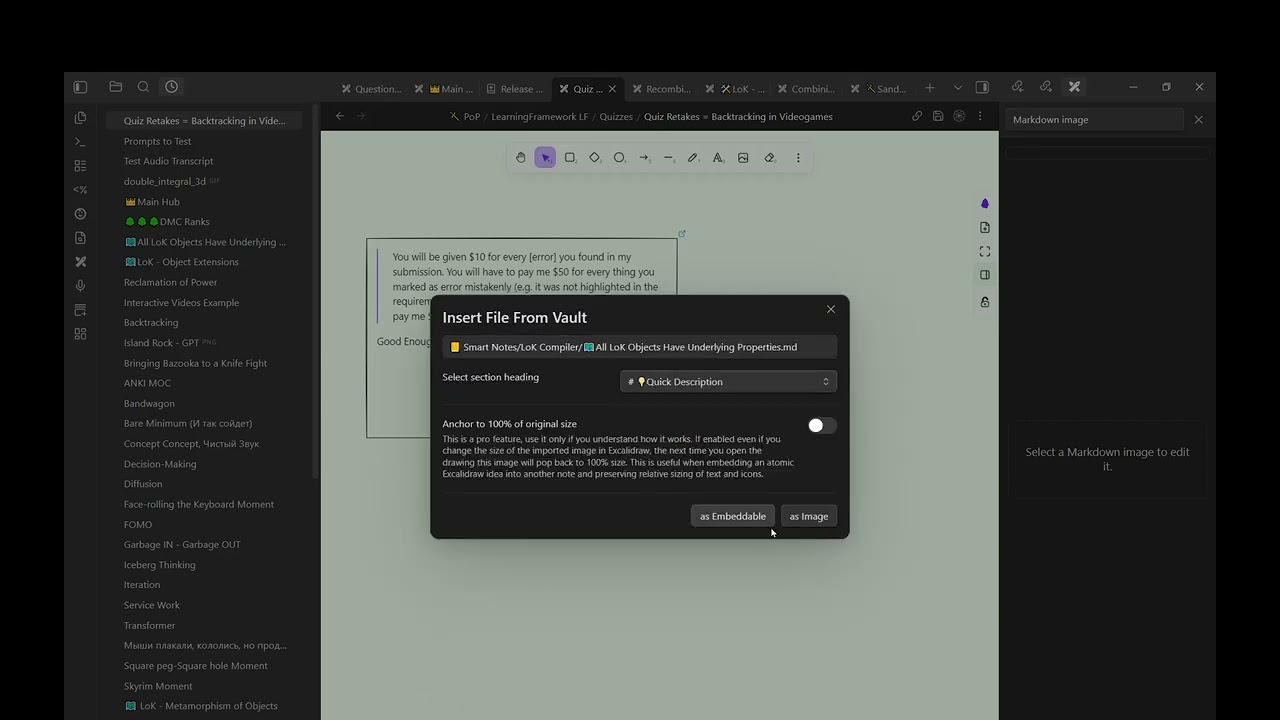
Dropping a Markdown note as an image now offers its headings when available and lets you insert the selected source as an editable Markdown image or embeddable. Excalidraw notes offer their back-of-note headings while hiding Excalidraw Managed data sections.
Added bottom padding to Appearance section in Markdown Image Sidepanel
 Comic Strip Director script, which will not work with 2.26.0-beta.0.