We had a fun SYM Community Session yesterday exploring the new ea-script-template for creating Excalidraw scripts with Claude Code, Codex, Gemini, or the tool of your choice.
To give you a taste of what we achieved…
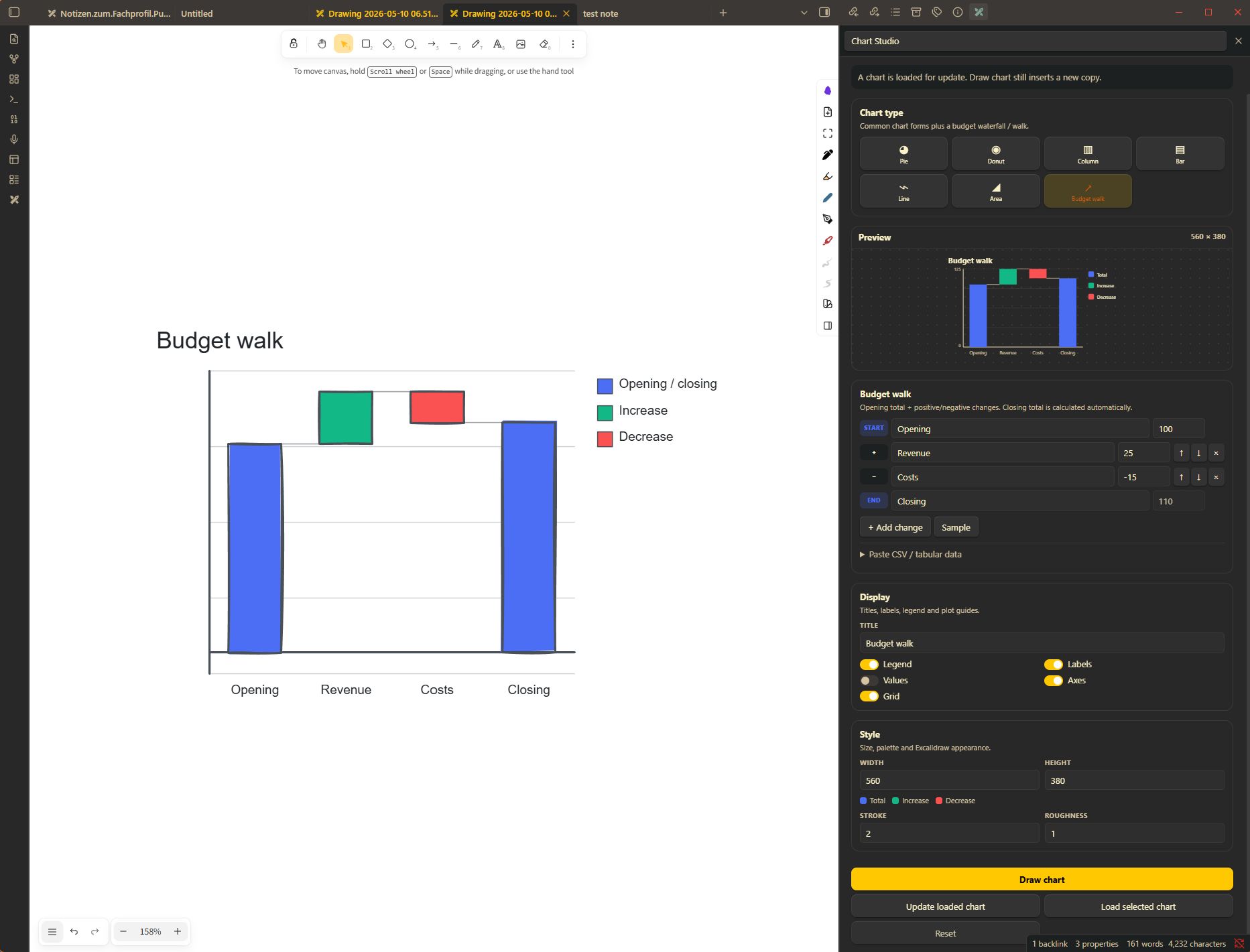
We created a Chart Wizard during our session:
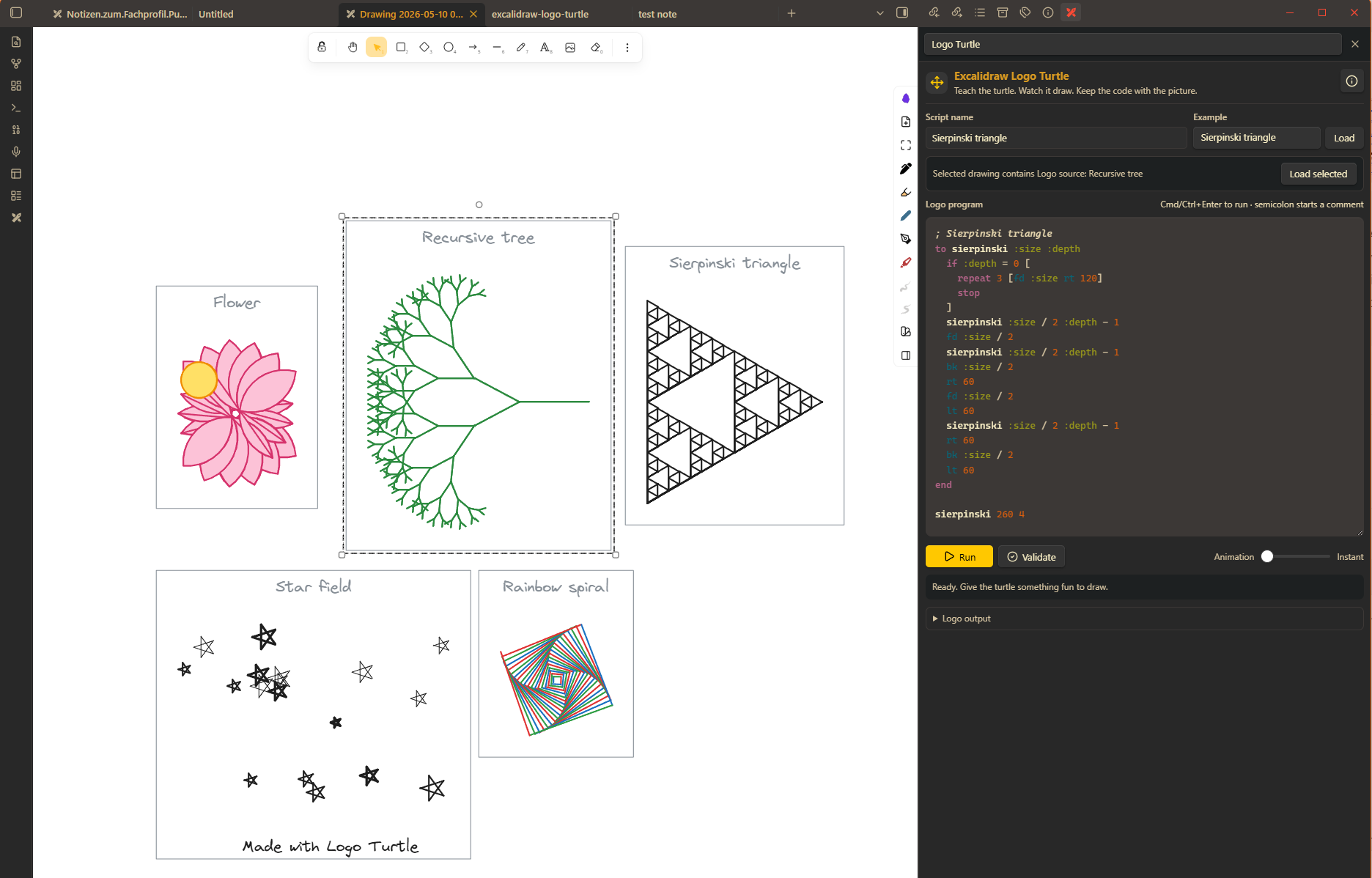
Then, after the session I stayed at it and prompted my long time dream script, the Logo Turtle interpreter for Excalidraw (I will publish it soon in the script library). It’s a fun way to learn the basics of programming:
If you are a SYM community member, I’ve uploaded the recording of our deep dive session here:
AI Superpowers to generate your own Excalidraw Scripts
The session has also highlighted some teething issues with the ea-script-template. I have fixed those and published an updated template today. If you have already created a repository based on the template, here are the steps to update. You can simply copy all this and give it to your AI agent to perform… or if you want to understand, you can follow the steps manually. It is not that difficult.
Follow these steps to update an existing ea-scripts repository
This is for older script repositories that do not yet have npm run update-template.
Before starting, commit or stash your work:
git status
git add -A
git commit -m "Before template update"
You need Node.js 22.13 or newer.
1. Install the updater
From the root of your script repository, run this one command. It downloads the two required updater files from the official template repository and works on Windows, macOS, and Linux:
node -e "const fs=require('node:fs');const base='https://raw.githubusercontent.com/zsviczian/ea-script-template/master/scripts/';async function main(){for(const name of ['update-template.mjs','template-manifest.mjs']){const response=await fetch(base+name);if(!response.ok)throw new Error('Could not download '+name);fs.writeFileSync('scripts/'+name,await response.text());console.log('Installed scripts/'+name)}}main().catch(error=>{console.error(error);process.exitCode=1})"
Both files are required:
scripts/update-template.mjsperforms the update.scripts/template-manifest.mjsprovides the manifest validation and comparison logic used by the updater.
2. Preview the update
This checks for template changes without modifying your repository:
node scripts/update-template.mjs --check
For a local copy of the template instead of GitHub, use:
node scripts/update-template.mjs --source /path/to/ea-script-template --check
3. Apply a clean update
If the preview reports no conflicts:
node scripts/update-template.mjs
npm install
npm run check
npm run build
The update preserves your scripts in src/scripts/, shared utilities, README, local guidance, custom package fields, and build output.
4. Resolve conflicts deliberately
If both your repository and the template changed the same managed file, the updater stops without writing anything. Review each reported path, then choose one of:
node scripts/update-template.mjs --keep-local esbuild.config.mjs
node scripts/update-template.mjs --accept-upstream src/types/ea.d.ts
You can resolve several findings in one command:
node scripts/update-template.mjs \
  --accept-upstream src/types/ea.d.ts \
  --keep-local esbuild.config.mjs \
  --keep-local 'package.json#scripts.check'
Do not use a blanket “accept everything” approach. In particular, keep your custom build tooling and scripts unless you have reviewed the template replacement.
Generated types
src/types/ea.d.ts and .template/types/ are generated from the Excalidraw plugin API. Do not edit them locally, because future template updates will replace them.
For repository-specific ambient declarations or type augmentations, create:
src/types/local.d.ts
That file is yours and is not managed or overwritten by template updates.
After the first update
The update adds this convenient command to package.json:
npm run update-template:check
npm run update-template
The updater remembers the last accepted template manifest and compares:
- the previously accepted template version,
- your current local file, and
- the incoming template version.
It updates unchanged local files automatically, keeps local customizations when upstream did not change them, and asks for a decision only when both sides changed the same item.