I implemented Mermaid import and export support for MindMap builder. You can now take Mermaid code generated by an agent and paste it with ALT/OPT+v (unless you changed the default MindMap paste settings) and it will import as a mindmap builder map. You can also copy a mind map builder map to mermaid from the side panel.
Hi, thanks! Tested it shortly, not sure if it is my setup but text is somehow stuffed close to the lines, after a double click I can see the whole text and it aligns.
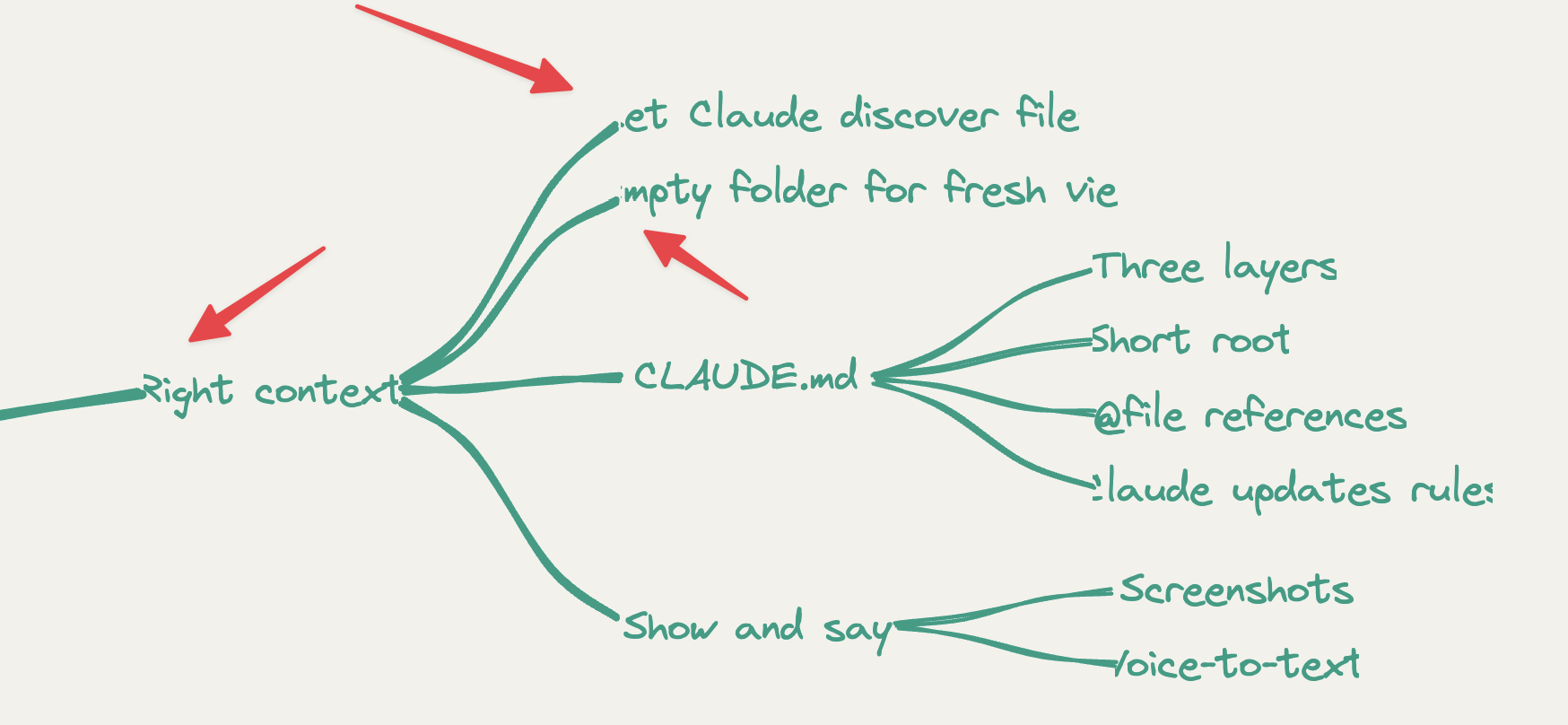
after double clicking all the nodes individually.
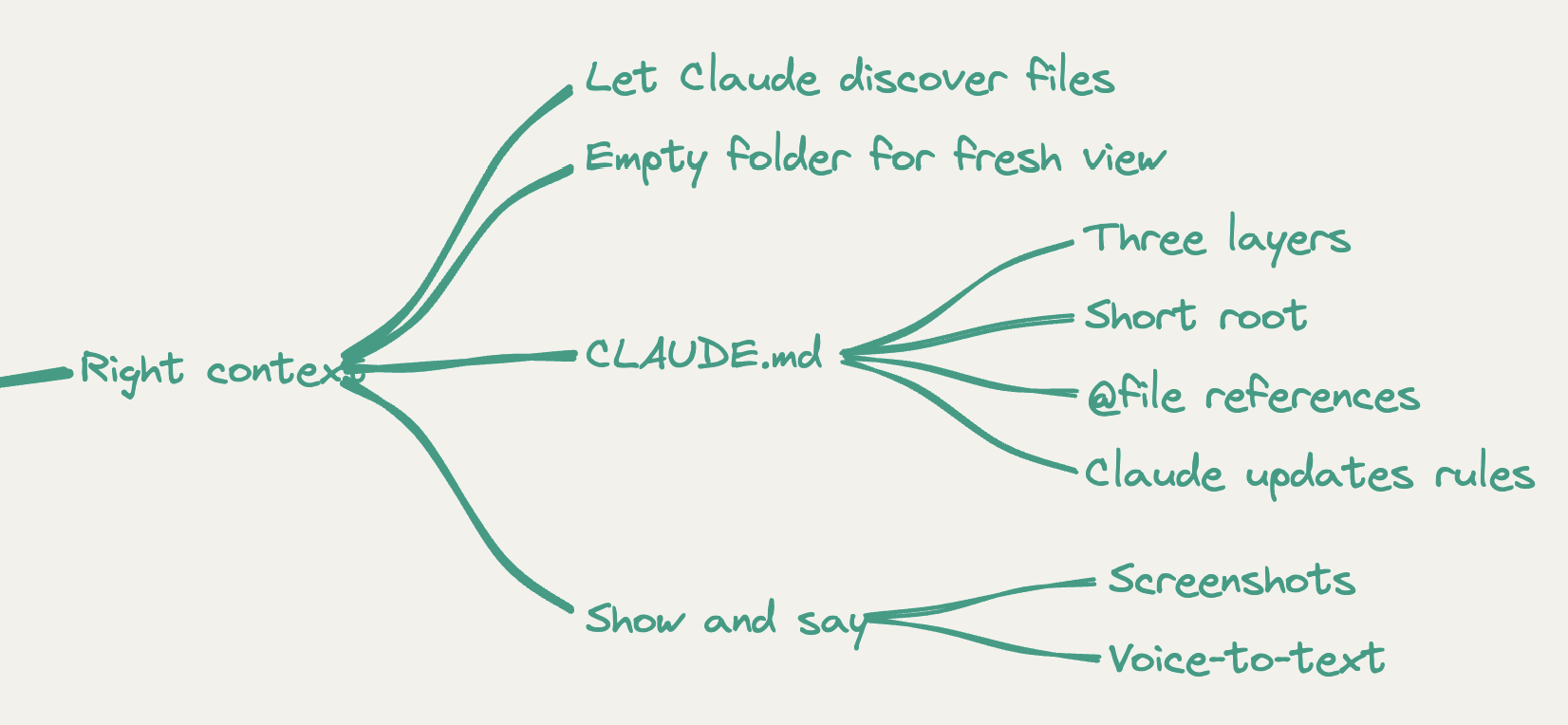
I am not yet able to reproduce the issue. Is this the result of pasting a mermaid map? or something else?
Yes, exactly, pasting the mermaid diagram (this one) using opt+v (I’m on Mac):
mindmap
    root((Claude Code))
      Plan before you build
        Plan mode
          Shift+Tab
          Review the plan
        Spec interview
          20-30+ questions
          800+ line plan
        Plan in a file
          Fresh session builds
        Several proposals
      Right context
        Let Claude discover files
        Empty folder for fresh view
        CLAUDE.md
          Three layers
          Short root
          @file references
          Claude updates rules
        Show and say
          Screenshots
          Voice-to-text
      Clean context
        Noisy vs long
        /context and statusline
        One topic per chat
        Compact while on track
        Set auto-compact point
        /rewind
      Agents at work
        Subagents
          Search for you
          Give a why
        Fresh reviewer
          Spec and diff only
          Verifier drives flows
        Commands and scripts
          Slash commands
          Headless claude -p
          /chrome
          /add-dir
      Scale safely
        Independent tasks only
        Git worktrees
        Ghostty panes and bell
        Sandbox plus hooks
        /resume and /rename
      Aim higher
        Outcome not task
        Give tools
        Expert tools
        Unreasonable goal
        Other fields
        Agents own recurring work
I tested it again and also in a new empty vault, and I had no issues, so maybe some glitch there, sorry for the false alarm.