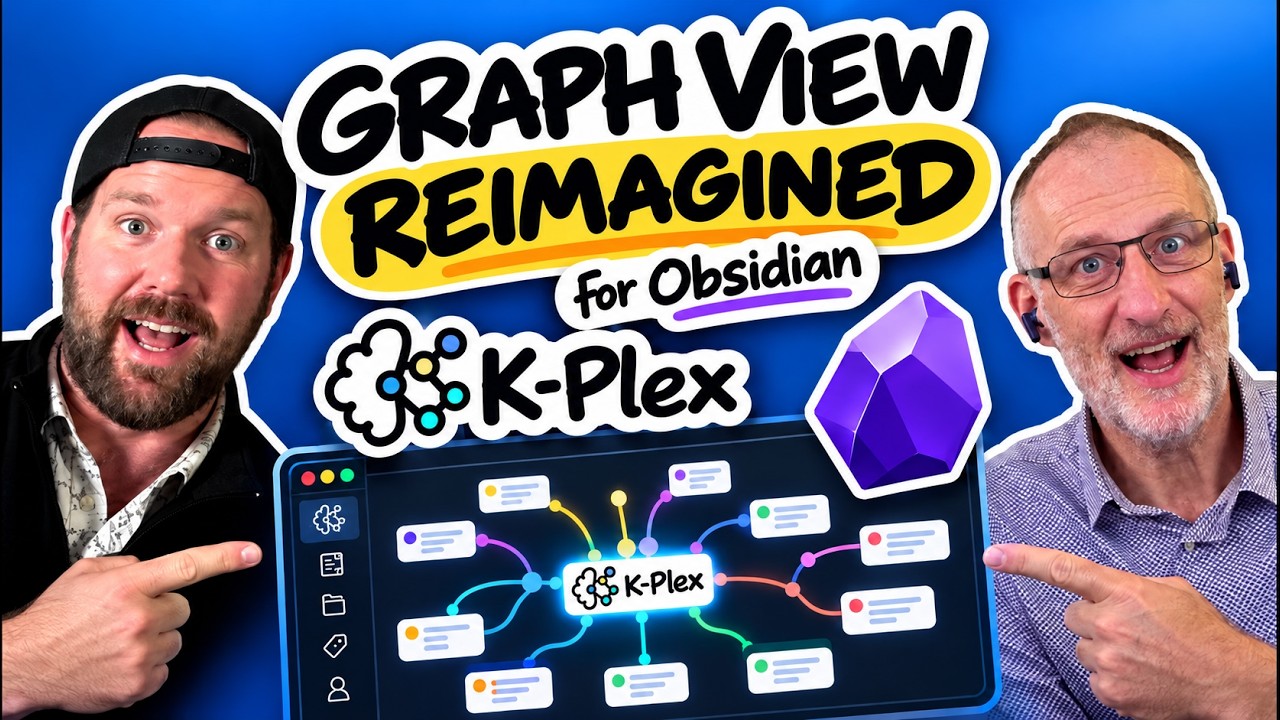
Enjoy this discussion about the new K-Plex release. Thank you @ARR15!
Download the demo / help Vault from here: GitHub - zsviczian/kplex-help: K-Plex Demo Obsidian Vault · GitHub
This release brings some exciting improvements to how you explore, navigate, and interact with your knowledge in Obsidian.
From keyboard-driven navigation and distraction-free fullscreen views to smarter relationship management, improved editor controls, and faster indexing, K-Plex is becoming a more flexible and responsive visual thinking environment.
 What’s New
 Navigate Your Knowledge with the Keyboard
K-Plex now offers a much richer keyboard experience.
- Arrow key navigation: Move between nodes using arrow keys, jump between relationship areas with Alt/Option + Arrow, and press Enter to navigate.
- Type to select: Simply start typing while the graph has focus to highlight matching nodes. Use Tab and Shift+Tab to cycle through matches.
- K-Plex Command Palette: Press Alt/Option +
.to access K-Plex actions without leaving the graph. - Customizable shortcuts: Configure, disable, and restore keyboard shortcuts under Settings → K-Plex → Actions and shortcuts.
- Conflict detection: Easily identify overlapping K-Plex shortcuts and potential conflicts with Obsidian commands.
- More keyboard actions: Quickly create relationships, open editors, manage pins, navigate history, and more.
 Fullscreen and Zen Mode
Give your knowledge graph the space it deserves!
- Fullscreen mode: Expand K-Plex to fill the entire Obsidian workspace on desktop, without entering operating-system fullscreen.
- Zen mode: Hide the top toolbar, pins, and history bar for a clean, distraction-free graph.
- Mix and match: Fullscreen and Zen modes work independently.
- Keep your context: Switching modes preserves your graph position, zoom, selection, and navigation history.
Zen mode is also available on mobile devices.
 More Control Over Your Plex Appearance
- Improved node typography and label sizing across different screen sizes.
- Better control over label length, node width, wrapping, and layout density.
- More consistent slider behavior and layout controls, including in smaller panes.
- Improved node highlighting when using Find in Plex.
- Fixed fullscreen toolbar overlap with window controls on Windows.
 Better Embedded Editors
- Markdown zoom control: Choose whether an embedded Markdown editor keeps its text size fixed or scales with Plex zoom. K-Plex remembers your choice for each note.
- Automatic Excalidraw fitting: Drawings can automatically fit the embedded editor when opened, independently of Excalidraw’s own fit-on-open preference.
- Preserve manual zoom: Resizing or maximizing an open Excalidraw drawing no longer unexpectedly resets your zoom.
- Improved Excalidraw synchronization: Linked tabs and Sidecar navigation better respect your selected drawing or Markdown view.
 Smarter Relationship Management
- Configurable Date relationships: Choose how Date properties connect notes to daily notes. Supported defaults include Parent, Child, Friend, Challenger, Previous, and Next. Explicitly configured ontology takes precedence.
- Remove individual relationships: Connection details now lets you remove a specific frontmatter relationship source without disturbing other evidence contributing to that connection.
- More accurate relationship counts: Fixed incorrect gate counts when filtering complex graphs.
 Easier Bug Reporting
A new Report a bug button in the K-Plex toolbar makes it easier to report problems.
- Generate and copy a diagnostic report with one action.
- Include useful technical details such as plugin versions, theme information, indexing diagnostics, and recent runtime events.
- Preview the report before sharing it.
- Get guidance on submitting a useful GitHub issue.
Diagnostic reports exclude vault note contents and are never submitted automatically.
 Performance and Reliability
This release includes several improvements, especially for larger vaults and notes containing many web links.
- Faster cached URL restoration: Significantly reduced processing overhead when restoring large collections of web-link relationships.
- Smoother background indexing: Reduced interruptions during heavy URL indexing and graph updates.
- More reliable startup: Added safeguards against cache restoration becoming stuck indefinitely.
- Clearer indexing status: Fixed cases where K-Plex continued displaying “Preparing local graph” even after the local graph was ready. On-demand progress is now presented more accurately.
- Responsive Markdown editing: Fixed an autocomplete issue that could cause Obsidian to freeze when pasting very long text.
- Improved interaction stability: Fixed slider gestures, filtered relationship counts, and linked-editor synchronization.
These improvements build on the indexing architecture introduced in 0.1.0, making K-Plex more dependable as your knowledge graph grows.
 Support K-Plex
K-Plex is an independent project developed with the help of its growing community.
If you enjoy using K-Plex:
 Star the repository: GitHub - zsviczian/kplex · GitHub
 Join the community: https://community.sketch-your-mind.com
 Support development: https://ko-fi.com/zsolt
 Report issues and suggest features: Issues · zsviczian/kplex · GitHub
Thank you for helping shape K-Plex!
